Dubl for iPhone.
Free.
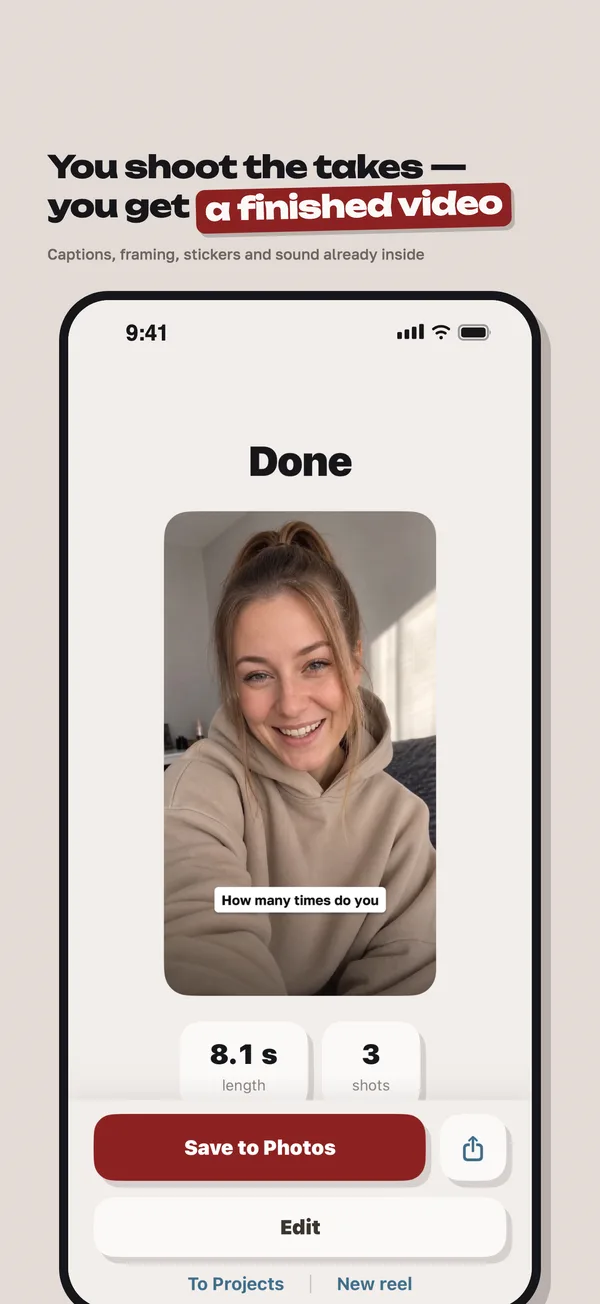
Say the same line a few times — I split the recording into takes, suggest the best one and put together a vertical video with captions.
Coming soon to theApp Store
What I do
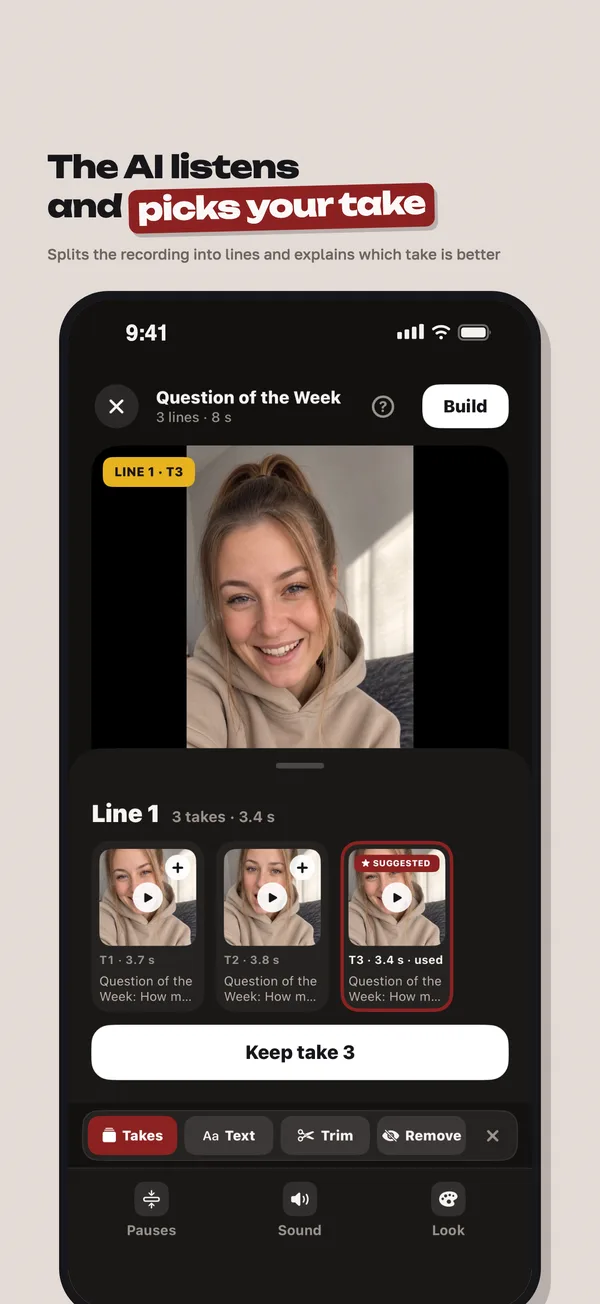
I find the takes
A take is one attempt at a line. I listen to the recording, find every attempt and group them by line.
I suggest the best one
I mark the take that sounds best and tell you why. The call is yours: tap another one and it goes into the video.
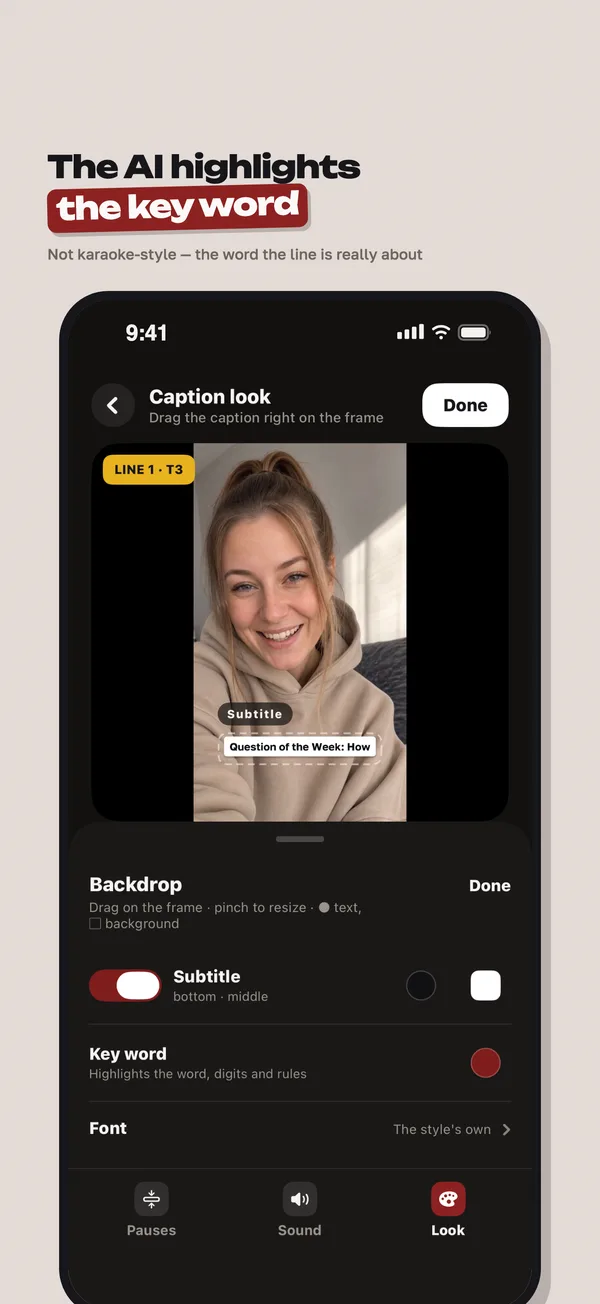
I put the video together
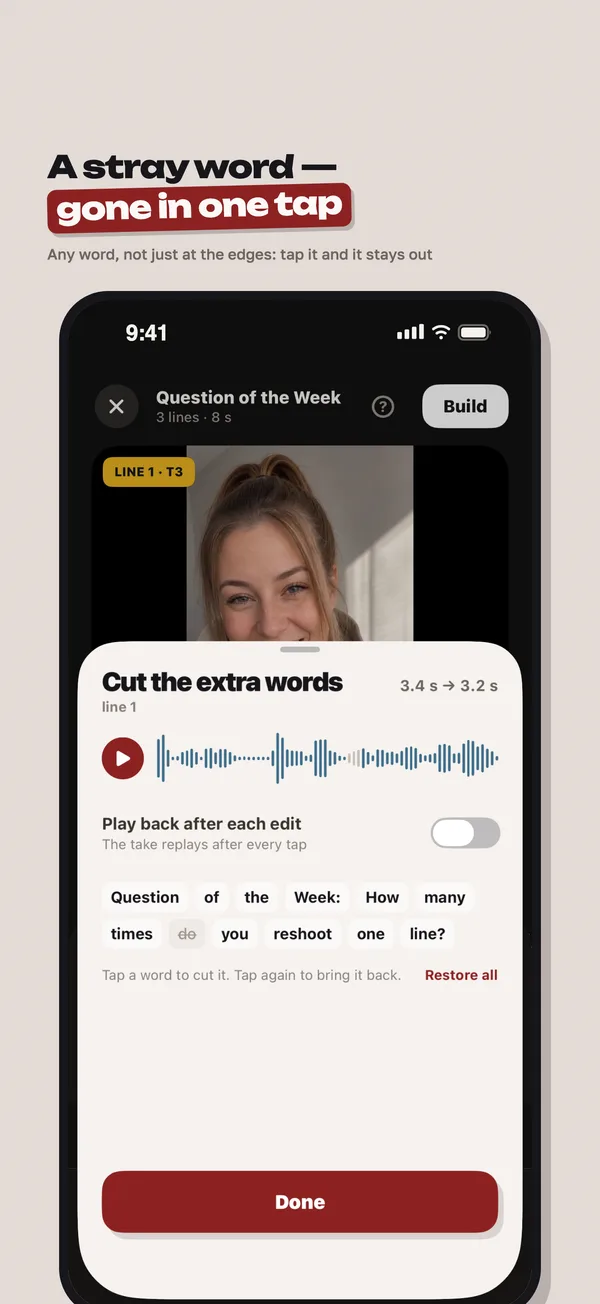
A vertical video with word-by-word captions, styling and sound. You set the order and the wording.
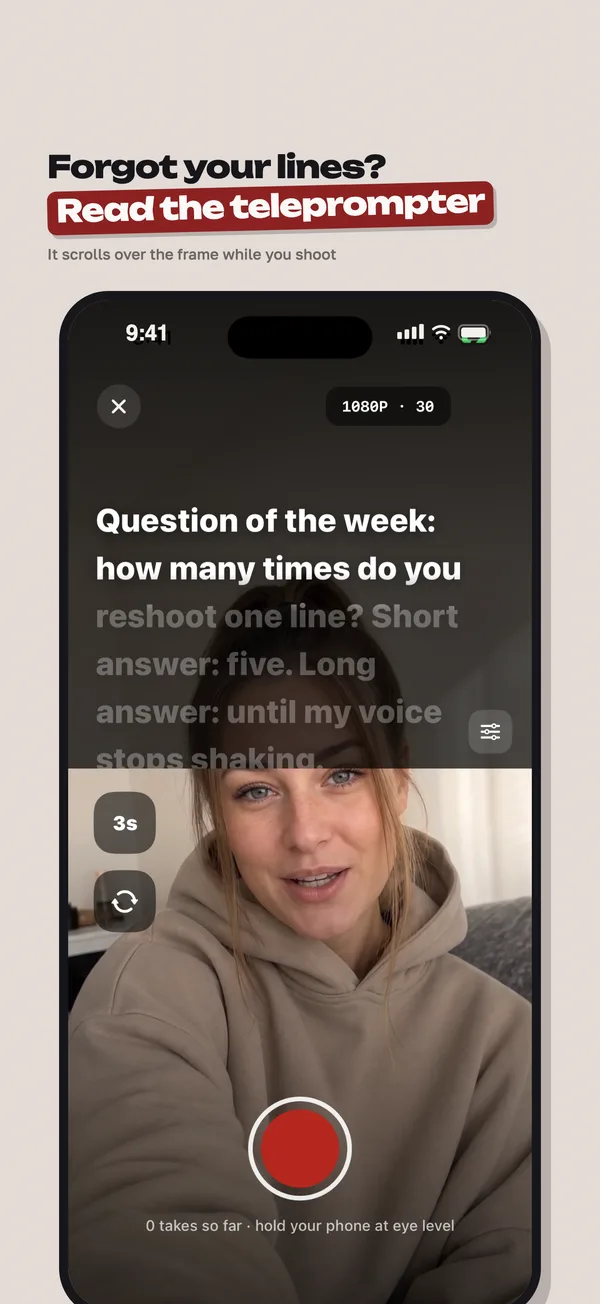
I run the teleprompter
Your script scrolls on screen while you record, so you read it and still look into the camera.
How it looks
Free
Dubl for iPhone is free — all of it.
Everything I can do is open right after you sign in: takes, suggestions, editing, captions and the teleprompter.